




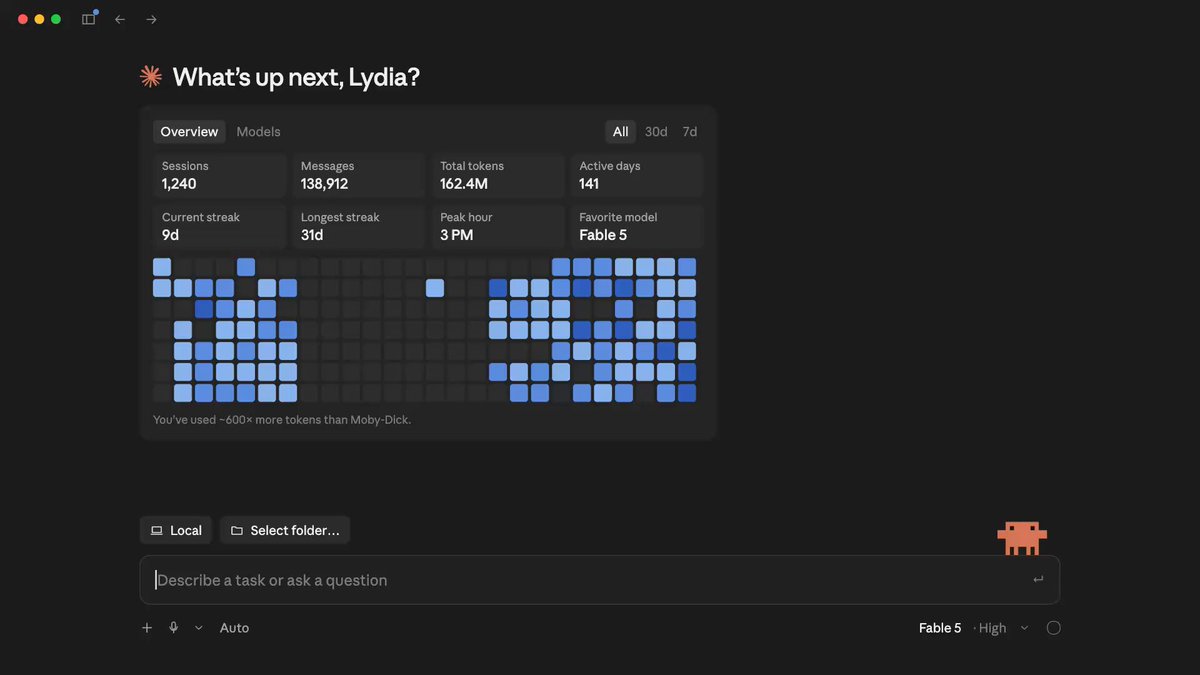
Claude Code Desktop Gets /resume for Terminal Sessions
Type /resume inside the Claude Code desktop app to pick up any session originally started from the CLI. The full conversation and context carry over intact.
ClaudeDevs·Fri, Aug 28 12:00pm ET
Type /resume inside the Claude Code desktop app to pick up any session originally started from the CLI. The full conversation and context carry over intact.
Two commands now cover CLI-to-desktop session handoffs in both directions. /desktop moves a CLI session into the app; /resume, the newer addition, lets you pick up a terminal session from within the app itself.
The Claude Code desktop app is available on macOS and x64 Windows with a subscription (not API key access). Users on other setups may not see it.
A user reported that /desktop isn't working, prompting a follow-up question about what specifically is broken.
To trigger actions after a PR is created, use a PostToolUse hook matching on Bash with a condition like "if": "Bash(gh pr create *)". This routes any post-PR logic (quality sweeps, adversarial reviews) to a script without needing a dedicated hook.
Sessions are deleted after 30 days by default. You can override this by setting "cleanupPeriodDays" to any value (e.g. 365) in ~/.claude/settings.json. The setting is currently buried and may be made more visible.
A specific Claude Code setting has been on by default since May, but users who set up Claude Code before that date need to opt in manually.
The top use case for Claude Tag internally is on-call automation, routing and resolving alerts that would otherwise wake engineers at 3am. A writeup explains how Anthropic set it up and how others can replicate it.